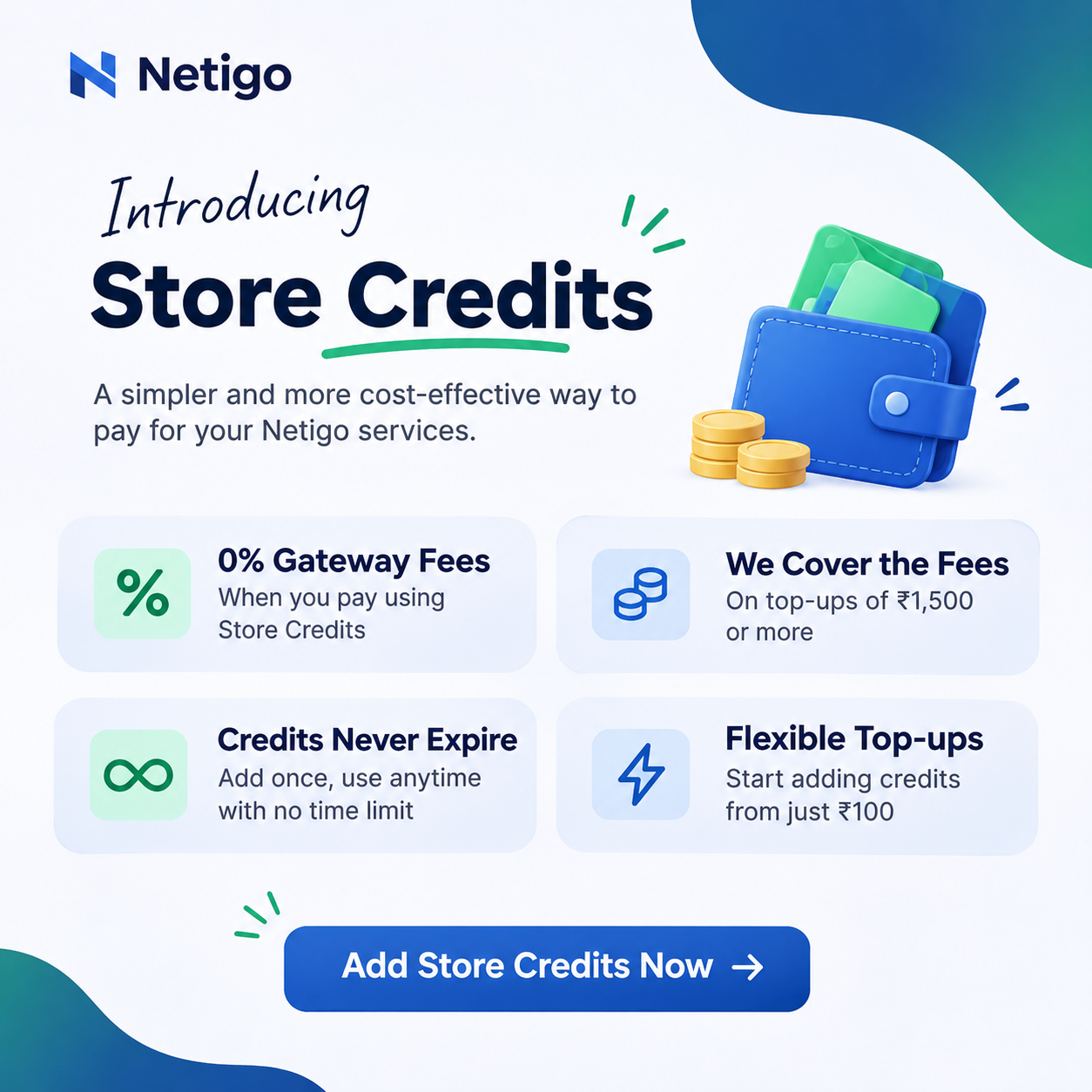
Managing your hosting services should be straightforward. Your payments should be too. Introducing Netigo Store Credits — a convenient wallet that makes paying for your Netigo services simpler and more cost-effective.
NETIGO STORE CREDITS WALLET Pay smarter.Credits never expire · 0% payment gateway fee when paying with credits |
A SMARTER WAY TO PAY
Introducing Netigo Store Credits
Netigo Store Credits are funds that you can add to your account wallet and use towards eligible Netigo services and renewals.
0% Gateway Fee on Store Credit Payments
Add funds once and use your available credits for eligible payments without additional gateway fees.
WHY NETIGO STORE CREDITS
Everything in one wallet.
Designed to make your payments more convenient.
% 0% Gateway FeesPay using your Store Credits without additional payment gateway fees. | ₹ Gateway Fees CoveredNetigo covers gateway fees on individual top-ups of ₹1,500 or more. |
∞ Never ExpireYour Store Credits have no expiry date. Use them whenever you need. | + Flexible Top-upsStart adding funds from just ₹100. |
TRANSPARENT PRICING
How the ₹1,500 benefit works
We want you to get more value from your wallet. That's why Netigo covers payment gateway fees on qualifying Store Credit deposits.
QUALIFYING TOP-UP
₹1,500 or more
0% Gateway Fee
Netigo absorbs the payment gateway charges. Your full top-up amount is added to your Store Credits balance.
NETIGO COVERS THE FEE
STANDARD TOP-UP
Below ₹1,500
Processor Fees Apply
The payment gateway fee is charged by the payment processor and is not added to your Store Credits balance.
Tip: If you regularly use Netigo services, consider adding ₹1,500 or more in a single transaction to benefit from gateway fee coverage.
Wallet limits
Here are the current Store Credits deposit and balance limits.
| Minimum deposit | ₹100 |
| Maximum per deposit | ₹50,000 |
| Maximum wallet balance | ₹2,00,000 |
| Credit expiry | Never |
GETTING STARTED
How to add Store Credits
Adding funds to your Netigo wallet is simple. Follow these steps:
1 Log in to Netigo
Open your Netigo client dashboard.
2 Open Store Credits
Navigate to the Store Credits section.
3 Choose your amount
Select a suggested amount or enter your preferred top-up.
4 Review your payment
Check the gateway fee and total payable amount.
5 Complete your payment
Complete the transaction and check your updated wallet balance.
MORE CONTROL
Manage service renewals
Netigo also provides credit auto-renewal settings. You can enable credit auto-renewal for all services or manage the setting individually for each service through your dashboard.
NETIGO STORE CREDITS
Your wallet. Your convenience.
Add funds to your wallet and enjoy a smarter, more convenient way to pay for your Netigo services.
TOP UP ONCE. PAY SMARTER.
Note: Gateway fee coverage applies to individual Store Credits top-ups of ₹1,500 or more. For top-ups below this threshold, gateway fees are charged by the payment processor and are not credited to the wallet. Store Credit usage is subject to Netigo's applicable terms and service eligibility.
Team Netigo